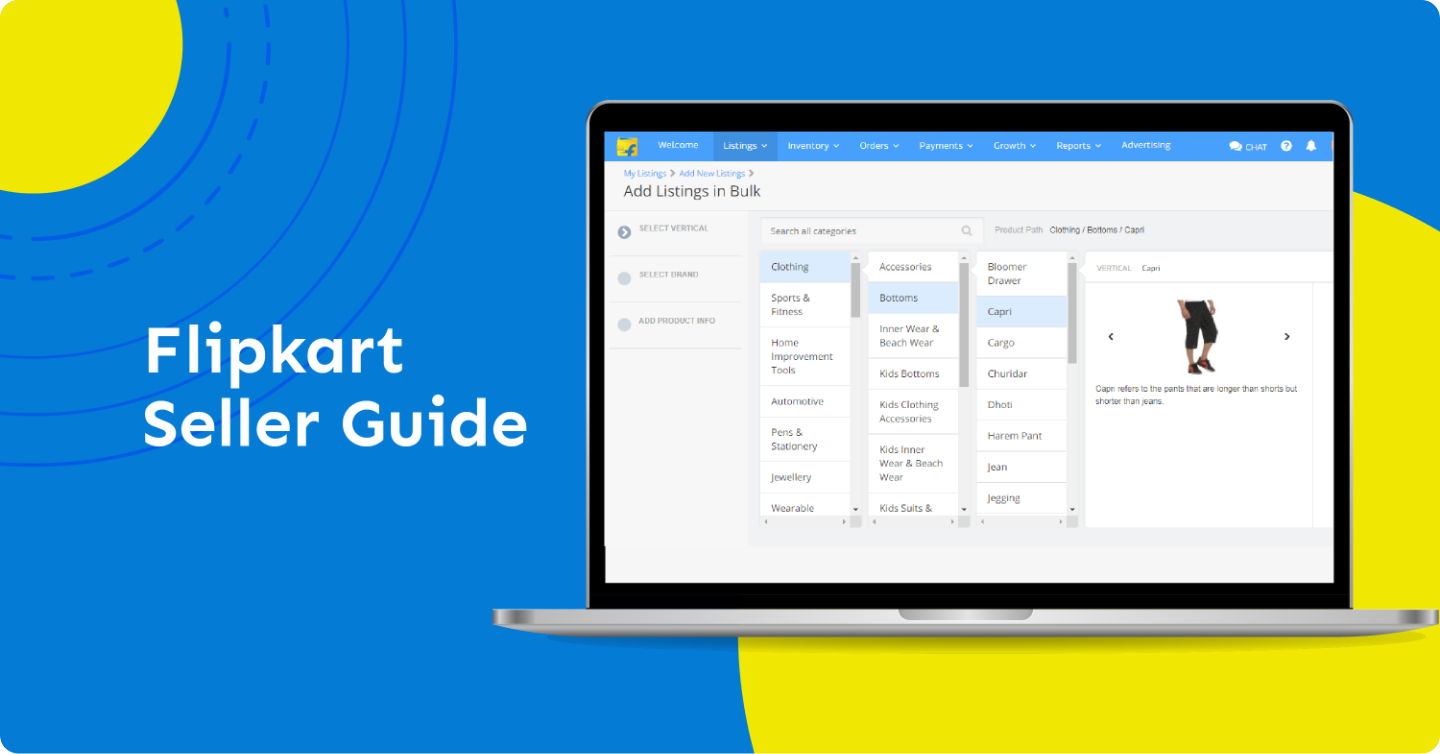

Let me be completely honest with you. The first time I thought about selling online, I had absolutely no idea where to begin. I had a small stock of home decor products, a tiny budget, and a big dream of running my own business from home. A friend of mine casually mentioned that I should look into how to start Flipkart seller account, and I remember thinking, how hard can this really be?
Well, it was not as complicated as I feared, but it was not as simple as I had hoped either. There were moments of confusion, moments of excitement, and more than a few moments where I nearly gave up and called it a bad idea. But I pushed through, I learned from every mistake, and today I can confidently say that starting my Flipkart seller journey was one of the best decisions I have ever made for my financial independence.
India’s ecommerce market has grown at an extraordinary pace over the last few years. With hundreds of millions of smartphone users and an ever-expanding internet reach even into Tier 2 and Tier 3 cities, platforms like Flipkart have become the go-to shopping destination for crores of Indian consumers. And the beautiful part is that this platform is not just for big brands and corporate sellers. People like me, people like you, can sell on it and build a real income stream.
In this guide, I am going to walk you through exactly how to start Flipkart seller account the way I did it, from gathering documents to listing my first product, from understanding the fee structure to packing my first order. I am not going to give you vague advice or copy-paste steps from a help page. I am going to share my real, personal experience so that you can learn from what I did right and, more importantly, from what I did wrong.
Why I Chose Flipkart Over Other Platforms
Before I even registered anywhere, I spent about two weeks researching my options. I compared Flipkart, Amazon India, Meesho, and a few other smaller platforms. Each had its own advantages and disadvantages, and I took notes on all of them.
Amazon India felt very professional and had a massive customer base, but the onboarding process seemed more complex for a first-timer, and the competition in my product category was brutal. Meesho was easy to start with, but I felt the platform was more suited for resellers dealing in very low-margin fashion and lifestyle products, not quite what I had in mind.
Flipkart struck the perfect balance for me. It had a massive and loyal Indian customer base. Unlike Amazon, which sometimes feels more international in its buyer profile, Flipkart shoppers are deeply rooted in the Indian market, which is exactly who I wanted to reach. The seller support, while not perfect, was more accessible to a Hindi-speaking person like me. And when I actually looked at the small ecommerce business idea I had in mind, which was selling handcrafted home decor products, Flipkart’s Home and Kitchen category had strong demand and less oversaturation compared to Amazon.
There was also the factor of trust. Indian buyers, especially from smaller cities, have grown up with Flipkart. The Big Billion Days sale alone generates billions of rupees in revenue every year. I wanted my products to be part of that ecosystem, and I wanted my store to benefit from the trust that the Flipkart brand already carried.
So the decision was made. Flipkart it was. And I have not regretted it for a single day since.
What I Needed Before I Could Start: The Documents Checklist
One of the first things I realized when I began the registration process was that there is some paperwork involved. It is not overwhelming, but if you go into it unprepared, you will find yourself scrambling for documents in the middle of the process, which is exactly what happened to me.
I had my PAN card ready but did not have a GSTIN, and I was under the impression that small sellers did not need one. I was partially wrong about this. While there is a GST exemption for sellers whose annual turnover is below the threshold, most product categories on Flipkart require a valid GSTIN to list products. So I had to pause my registration, apply for GST, and wait about a week before I could continue. I do not want you to face the same delay.
Here is a table of everything I needed, along with what each document is used for:
| Document | Purpose | Notes from My Experience |
| GSTIN (GST Number) | Mandatory for most categories | Apply on GST portal before starting |
| PAN Card | Identity and tax verification | Personal or business PAN both work |
| Active Bank Account | Receiving payments from Flipkart | Current account preferred; savings also works |
| Cancelled Cheque / Passbook | Bank account verification | Must match the name on your PAN |
| Business Address Proof | Pickup location for orders | Aadhaar, rent agreement, or utility bill |
| Active Mobile Number | OTP verification and communication | Must be linked to your Aadhaar ideally |
| Email Address | Account login and order notifications | Use a dedicated business email if possible |
Getting all of this ready before you begin the registration will save you a significant amount of time. I recommend creating a folder on your phone or computer with scanned copies of all these documents before you even open the registration page.
How to Start Flipkart Seller Account: My Step-by-Step Process
This is the section I wish I had found before I started. When I first looked up how to start Flipkart seller account, most articles I found were either outdated or so generic that they were not actually helpful. So let me give you the exact process I followed, with my personal observations at each step.
Step 1: Visit the Flipkart Seller Hub
The starting point for everything is the Flipkart Seller Hub. You can find it by going to seller.flipkart.com in your browser. This is Flipkart’s dedicated portal for all seller-related activities, from registration to managing orders and payments. I was a little confused at first because the page looks different from the regular Flipkart shopping website, but once you spend five minutes on it, the layout starts to make sense.
Step 2: Click on ‘Start Selling’ and Enter Your Mobile Number
The first screen you will see asks for your mobile number. Enter the number that you want to associate with your seller account. This number will receive OTPs during registration and will also be used for important order-related SMS alerts. After entering your number, you will receive a one-time password to verify your identity.
Step 3: Set Up Your Email and Password
After mobile verification, the system will ask you to either link an existing Flipkart account or create a new email and password. I chose to create a separate account exclusively for my seller activities. In my experience, keeping your personal shopping account separate from your seller account just makes things cleaner and easier to manage.
Step 4: Enter Business Details and GSTIN
This is where the registration gets more detailed. You will be asked to enter your business name, business type, and your GSTIN. If you are a sole proprietor, which is what I am, you can register under your own name or a trade name. Make sure the GSTIN you enter matches the business name you are registering under, otherwise the system will flag a mismatch and you will be stuck.
Step 5: Verify PAN Details
Next up is PAN verification. The system will cross-check your PAN details against the GST records, so it is very important that both are consistent. I remember being a little nervous at this step because I had just gotten my GST registered and was not sure if the records had been updated. Thankfully, they had, and the verification went through smoothly.
Step 6: Set Up Bank Account for Payments
This step is where you tell Flipkart where to send your money. You will need to enter your bank account number and IFSC code, and the name on the account must match your PAN and business name. Flipkart will do a small verification transfer, sometimes just a rupee, to confirm the account is valid and active.
Step 7: Add Your Warehouse / Pickup Address
You will need to provide the address from which Flipkart’s logistics partner, Ekart, will pick up your orders. This does not have to be a commercial address. I gave my home address and it worked perfectly fine. Just make sure the address is accurate and that someone will be available at the time of pickup, which is usually within 24 to 48 hours of receiving an order.
Step 8: Accept the Seller Agreement
The final step of registration is accepting Flipkart’s seller agreement. I strongly recommend reading through it rather than just clicking accept. The agreement covers important things like pricing policies, return handling, dispute resolution, and prohibited items. Understanding it upfront prevented a lot of confusion for me later.
Once you complete all these steps, your account will go through a brief verification period, usually a day or two, and then you will receive a confirmation that your seller account is active and ready to go.
My First Experience with the Flipkart Seller Login Dashboard
The moment my account was approved, I immediately used the Flipkart seller login to access my dashboard, and I remember being a little overwhelmed. There were tabs, metrics, notifications, and options everywhere. But once I spent a few hours exploring each section, it started to feel like home.
The dashboard is divided into several major sections, and each serves a specific purpose. Understanding these sections early on made a huge difference in how efficiently I managed my business. Let me walk you through what I found in each area and what matters most as a new seller:
| Dashboard Section | What It Does | My Priority Rating |
| My Listings | Add, edit, and manage all your product listings | Very High |
| Orders | View and process all incoming orders in real time | Critical |
| Payments | Track settlements, invoices, and payment cycles | Very High |
| Returns & Refunds | Handle buyer return requests and disputes | High |
| Growth | Access ads, promotions, and sales insights | Medium (initially) |
| Account Settings | Update business info, bank details, addresses | Medium |
| Support | Raise tickets and get help from seller support team | High (when needed) |
One thing that surprised me was how detailed the Payments section was. I could see exactly which orders had been settled, which were pending, and what deductions had been made in terms of commission and other fees. This transparency was something I deeply appreciated, because it helped me understand exactly how much I was earning per sale.
The Growth section, while not immediately useful to a brand-new seller, became very important once I had a few listings live and wanted to increase my visibility. I will talk more about that in a later section.
How I Listed My First Product on Seller Flipkart
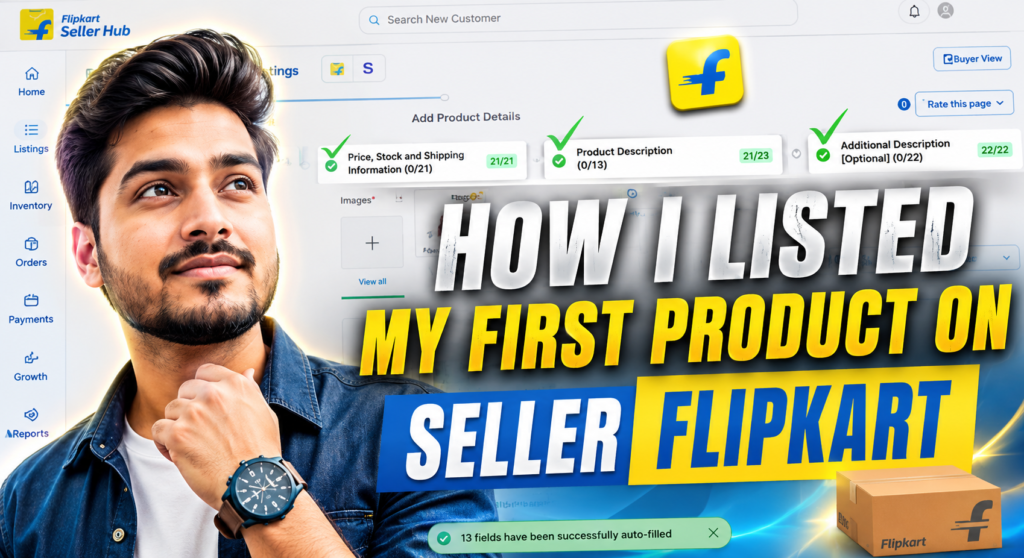
After spending time exploring the dashboard, I was ready to list my first product. This was both exciting and nerve-wracking. On seller Flipkart, the listing process requires you to provide a lot of information about your product, and getting it right from the start is crucial for visibility and sales.
Choosing the Right Category
The first decision I had to make was selecting the right product category. I was selling handcrafted clay pots, and I had to decide whether to list them under Home Decor, Cookware, or Pottery and Ceramics. After some research into which subcategory had more active buyers and less competition, I went with Home Decor and it turned out to be the right call.
Writing the Product Title
The product title is one of the most important elements for both Flipkart’s internal search algorithm and for potential buyers. I learned that a good title should include the product type, key features, material, size, and a relevant keyword. My first few titles were too vague, something like ‘Handmade Clay Pot’ with no further detail. I revised them after noticing that competing products with detailed titles were getting more impressions. A title like ‘Handcrafted Terracotta Clay Decorative Pot Set of 2 for Home and Garden, 6 Inch’ performed significantly better.
Writing Product Descriptions
The description is your chance to speak directly to the buyer. I made the mistake initially of writing a flat, factual description. Over time I learned that buyers respond to descriptions that paint a picture, describe the use case, and address common questions. I started writing from a personal perspective, sharing how the product was made, who it was suitable for, and how to care for it. This approach improved my conversion rate noticeably.
Product Images
I cannot stress this enough: images are everything on Flipkart. In my early listings, I used casual phone photos against a cluttered background, and my products barely got any clicks. Once I invested in a white backdrop sheet and took clean, well-lit photos from multiple angles, my click-through rates improved dramatically. Flipkart recommends images of at least 500×500 pixels with a white background, and I now always follow this guideline.
Here is a quick checklist I now follow every time I list a new product:
| Listing Element | Best Practice | Common Mistake I Made |
| Product Title | Include type, material, size, use case (60-70 chars) | Too short and vague initially |
| Category Selection | Research before selecting; test multiple if unsure | Picked first relevant one without research |
| Description | Conversational, benefit-focused, answers buyer questions | Dry, factual-only copy at first |
| Images | Minimum 4 images, white background, multiple angles | Single blurry photo on a cluttered surface |
| Price | Check competitor pricing and factor in all fees | Underpriced initially and lost margin |
| HSN Code | Must be accurate for GST compliance | Got it wrong and had to re-edit later |
| Stock Quantity | Keep updated; going out of stock hurts ranking | Forgot to update; lost sales |
Understanding Flipkart’s Fee Structure: What I Wish I Knew Earlier
When I made my first few sales, I was shocked to see that the amount credited to my bank account was significantly lower than what I had expected. I had priced my products without properly accounting for all the fees Flipkart charges, and the result was that my margins were much thinner than planned.
Flipkart charges sellers through several types of fees, and understanding each one is essential before you set your prices. The main components are a commission fee based on the product category, a fixed fee per order, and a shipping fee that varies based on weight and delivery zone.
| Category | Commission % | Fixed Fee (approx.) | Shipping Fee (approx.) | My Tip |
| Electronics | 5 – 8% | Rs. 30 | Rs. 50 – 100 | Factor in return risk too |
| Fashion & Apparel | 10 – 15% | Rs. 20 | Rs. 45 – 80 | High return rate in this category |
| Home & Kitchen | 7 – 12% | Rs. 25 | Rs. 50 – 90 | My category; manageable fees |
| Books & Stationery | 8% | Rs. 10 | Rs. 30 – 50 | Low margins; volume game |
| Beauty & Personal Care | 10 – 15% | Rs. 20 | Rs. 40 – 70 | Good repeat purchase potential |
| Toys & Baby Products | 8 – 12% | Rs. 25 | Rs. 50 – 80 | Seasonal demand spikes |
There is also a collection fee, which is a small charge deducted when you receive payment for an order. On top of all this, if a buyer returns a product, Flipkart may charge a reverse logistics fee depending on who is deemed responsible for the return. I found out about this the hard way when I had a damaged-in-transit return and ended up paying both forward and reverse shipping charges.
My strong advice to anyone just starting out is to build a simple price calculator before listing any product. Add up your product cost, packaging cost, Flipkart’s total fees, and your desired profit margin, and price accordingly. Selling below cost or with tiny margins might get you some initial orders, but it is not sustainable.
My First Order: What Actually Happened
I still remember the exact day I got my first order notification. It was a Tuesday morning, about nine days after I had listed my products. I was making tea when my phone buzzed with an alert from the Flipkart Seller Hub app. Someone had ordered two of my terracotta decorative pots and the total order value was Rs. 649.
I felt a rush of excitement that I honestly did not expect. This was real. Someone, a complete stranger somewhere in India, had looked at my listing, trusted my product photos, read my description, and decided to buy what I had made. It was an incredible feeling.
But then the practical reality kicked in. I had 48 hours to pack and hand over the product to Ekart, Flipkart’s logistics partner, for pickup. I quickly packed the pots in bubble wrap and a sturdy cardboard box, printed the shipping label from the seller dashboard, and stuck it on the package. The next morning, an Ekart delivery agent arrived at my home address, scanned the package, and took it away.
The order was delivered to the buyer in three days, and I received a positive review two days after that. My first payment settlement came fourteen days after the order was delivered, and the amount credited to my account was Rs. 487, which was lower than the Rs. 649 order value because of commission, shipping charges, and the fixed fee.
That settlement was my first real education in Flipkart’s fee structure, and it prompted me to go back and recalculate my pricing for every single product in my store. It was a painful but necessary lesson.
What I wish I had known before my first order: always have your packaging materials ready before your listings go live. I had to make an emergency trip to a stationery shop to buy bubble wrap and a cardboard box. Keep at least a week’s worth of packaging stock at home so you are always prepared to ship quickly.
Common Mistakes I Made That You Should Absolutely Avoid
I made a lot of mistakes in my first few months as a Flipkart seller, and while each one was a learning experience, they cost me time, money, and ranking. I want to be transparent about these so you can start your journey with a cleaner slate than I did.
Mistake 1: Selecting the Wrong Product Category
In my hurry to start selling, I listed one of my products under Cookware instead of Home Decor. The product did not get any visibility because buyers looking for decorative items were not browsing the Cookware section. It took me two weeks to realise that my impressions were zero for that particular listing. Always research categories thoroughly before listing.
Mistake 2: Poor Product Images at the Start
I already mentioned this in the listing section, but it bears repeating because it had the single biggest impact on my early performance. My first set of images were taken casually on my dining table with natural light from a window. The shadows were unflattering, the background was cluttered, and the products did not look appealing at all. Do not make the same mistake. Even a simple white bedsheet as a backdrop and a lamp for lighting can transform your product photography.
Mistake 3: Not Understanding the Return Policy
Flipkart has different return windows for different categories. Some categories allow 7-day returns, others allow 30 days. I was not fully aware of this when I started, and I was caught off guard when a buyer raised a return request 18 days after delivery. Because my category allowed 30-day returns, I had no choice but to accept it, which meant losing the product as well as the shipping fees.
Mistake 4: Ignoring the Fee Structure When Pricing
I covered this in the fee section, but this mistake specifically cost me money in my first month. I was so focused on being price-competitive that I priced some products at margins of 8 to 10 percent before accounting for Flipkart’s fees. After all deductions, I was effectively making a loss on those items. Price your products by working backwards from your desired net margin, not forwards from your cost.
Mistake 5: Delayed Dispatch Leading to Penalties
On two occasions in my first month, I received orders late in the evening and misjudged the dispatch deadline. Flipkart requires sellers to dispatch orders within a specified time window, and failing to do so results in a late dispatch penalty and a negative impact on your seller rating. I now set a phone reminder for every new order the moment it comes in, so I never miss a deadline.
Tips to Grow as a Flipkart Seller: What Worked for Me
Once I had the basics right and had been selling for about two months, I started focusing on growth. Here is what made the biggest difference for me:
Getting the Flipkart Assured Badge
The Flipkart Assured badge is a quality assurance indicator that Flipkart shows on certain products. Listings with this badge get significantly more visibility and buyer trust. To qualify, your product needs to meet certain quality standards, and your account needs to maintain a good seller score in terms of dispatch rate, return rate, and customer ratings. I focused heavily on achieving this badge in my third month, and once I got it, my organic sales roughly doubled.
Running Deals and Promotions
The Growth section of the Flipkart Seller Hub gives sellers access to promotional tools like Price Drop, Combo Offers, and participation in sale events like the Big Billion Days. I was initially reluctant to participate in price-based promotions because I was worried about margin erosion, but I soon learned that the volume spike during sale events more than compensates for the reduced margin per unit.
Managing Ratings and Reviews
Your seller rating on Flipkart is one of the most important factors for visibility in search results. I made it a personal mission to respond to every customer query promptly and to address every negative review with a genuine solution. Over time, my rating improved from 3.8 to 4.5, and I could directly see the correlation between my improved rating and increased organic traffic to my listings.
Using Flipkart Ads
Flipkart offers a product advertising platform that allows sellers to promote their listings in search results. I started with a very small daily budget of Rs. 100 and tested different keywords. Over a few weeks, I identified which keywords drove the most conversions and scaled my ad spend accordingly. This was particularly useful when I launched new products that had no organic visibility yet.
Scaling the Business
What started as a small ecommerce business idea centred around a few handcrafted products has now grown into a catalogue of over 40 SKUs. The key to scaling on Flipkart, I found, is consistency. Consistent quality, consistent packaging, consistent response times, and consistent replenishment of stock. Every time I let one of these things slip, I could see an immediate impact on my metrics. Treating it like a real business, not a side hustle, made all the difference.
Is Selling on Flipkart Still Worth It in 2025?
This is the question I get asked the most whenever I share my seller journey with friends and family. Is it still worth learning how to start Flipkart seller account in a market that feels more crowded every year?
My honest answer is: absolutely yes, but with realistic expectations.
Yes, there is more competition today than there was when I started also Yes, the advertising costs have gone up. categories are heavily dominated by large brands and established sellers who have the budget and infrastructure that a small individual seller does not. I will not sugarcoat any of that.
But here is the other side of the truth. The Indian ecommerce market is still growing. Flipkart continues to acquire new customers from smaller towns and cities where buyers are discovering online shopping for the first time. These new buyers tend to explore a wide variety of sellers and are not loyal to any single brand yet. That is an opportunity. The platform also continues to invest in tools and support for small sellers, including seller education programs, logistics support, and promotional events that genuinely help drive sales.
For anyone who understands how to start Flipkart seller account properly, has a decent product, and is willing to put in the work consistently, there is very real money to be made. I have spoken to sellers who make anywhere from Rs. 30,000 to Rs. 3 lakh per month from their Flipkart stores, depending on the category, volume, and how seriously they approach the business.
The key is to go in with your eyes open, price your products correctly from day one, invest in good images, and be patient for the first month or two while your account builds its seller metrics. If you do those things, the results will follow.
Conclusion: Start Your Flipkart Seller Journey Today
Looking back on my journey, I feel genuinely grateful that I took the plunge and figured out how to start Flipkart seller account when I did. It was not always easy, and there were moments of real frustration and self-doubt. But the experience taught me more about business, pricing, logistics, customer service, and marketing than any course or book could have.
If you are sitting on a product idea, a craft, or even a wholesale source and wondering whether it is worth trying, let my story be the push you need. You do not need a large investment or a big team to get started. You need a few documents, a good product, an honest approach, and the willingness to learn as you go.
Start your registration on the Flipkart Seller Hub today. Take it one step at a time, just like I did. Your first sale will feel unlike anything else. And from there, the sky really is the limit.
I hope this guide on how to start Flipkart seller account has given you everything you need to begin with confidence. If you have questions, if you are stuck at any step, or if you just want to share your own seller story, I would love to hear from you. We are all in this together, and the more we share our real experiences, the better we all get at building our businesses.
Frequently Asked Questions
Is GST mandatory to start selling on Flipkart?
For most product categories, yes. If your annual turnover is below the GST exemption threshold and you are selling in an exempt category, you may be able to start without a GSTIN. But for the vast majority of categories, having a valid GSTIN is mandatory. I strongly recommend getting your GST registration done before starting.
How long does Flipkart take to approve a new seller account?
In my experience, after completing all the steps and submitting all the required documents, the approval took about 48 to 72 hours. During high-volume periods, it may take slightly longer.
How does Flipkart pay sellers?
Flipkart follows a settlement cycle. Typically, payments are settled 7 to 14 days after the order is delivered, depending on your seller tier and the product category. All settlements are made directly to your registered bank account.
Can I sell from home without a commercial address?
Yes, absolutely. I sell entirely from my home address and have never faced any issue. As long as you can ensure that someone is available at the pickup address when Ekart’s agent arrives, you are good to go.
What is the minimum number of products needed to start?
There is no strict minimum. I started with just six products and built from there. However, having a slightly broader catalogue of at least 10 to 15 listings is generally better for visibility and gives buyers more reason to browse your store.
Also Read About :- Dropshipping vs Affiliate Marketing