
When I decided to build my first online store, I didn’t expect to spend three weeks just choosing a platform. Everyone had an opinion, every blog had a “definitive” answer, and none of it felt real. So I did what probably should have been the first step all along I signed up for both platforms, built basic stores on each, and used them for real, day-to-day work. This is my honest shopify vs squarespace comparison, based on what actually happened when I clicked around, made mistakes, and tried to get things done.
I’m not going to throw a feature checklist at you. I’ll walk you through what it felt like to use each platform, what surprised me, and where I personally landed.
My Background: Why I Tested Both Platforms
I run a small business that sells handmade goods, and I also wanted a portfolio-style page for a side project. That meant I needed two different things from one decision: solid ecommerce tools, and a way to make something visually appealing without hiring a designer. I gave myself a budget, a two-week trial window on each platform, and a simple rule no quitting halfway, no matter how frustrated I got.
Before signing up, I made a short list of what actually mattered to me: how fast I could get a working store live, how much I’d have to rely on third-party apps, what the checkout experience would feel like for a first-time customer, and how easy it would be to fix something myself at 11 p.m. without waiting on a support ticket. That list ended up shaping almost every opinion I formed over the next two weeks, more than any spec sheet could have.
Squarespace: My First Impressions
Setting things up on Squarespace felt calm. The squarespace login screen led straight into a clean dashboard, and within ten minutes I had a homepage that didn’t look like a template it looked like something I’d actually made on purpose. The design freedom is real. I could drag sections around, swap fonts, and preview changes instantly without touching code.
Where it started to feel tight was the moment I tried to go beyond a simple product page. Inventory tracking felt like an afterthought bolted onto a website builder rather than a core feature. It worked, but I could tell ecommerce wasn’t the main reason this platform existed.
Shopify: My First Impressions
My shopify login experience was a different kind of straightforward less “pretty,” more “let’s get to work.” The dashboard greets you with sales numbers, orders, and setup tasks instead of design blocks. It made it obvious, immediately, that this platform was built with selling as the priority.
The learning curve was steeper than Squarespace’s, I won’t pretend otherwise. The first few days I felt like I was managing a control panel rather than building a website. But once I understood where things lived products, themes, apps, payments it started to move fast. Really fast.
Shopify vs Squarespace: Pricing Comparison
Cost was where I paid the closest attention, because this wasn’t a hobby project it had to make financial sense. Squarespace’s plans tend to bundle hosting and design tools together, while Shopify separates the store engine from any extra apps you add later. Here’s roughly how the numbers compared during my testing period:
| Platform | Starting Plan (Monthly) | Transaction Fees | Best For |
| Squarespace | ~$23/month (Business plan) | None on Squarespace Payments; fees apply with some other processors | Portfolios, blogs, simple stores |
| Shopify | ~$29/month (Basic plan) | 2.9% + 30¢ unless using Shopify Payments | Dedicated ecommerce stores |
What stood out to me wasn’t the sticker price it was how the costs grew. Squarespace stayed predictable because most things were included. Shopify’s base plan felt cheaper at first, but the moment I added apps for reviews, upsells, and email marketing, the monthly total crept up faster than I expected. If you’re comparing squarespace pricing against Shopify’s app-based model, budget for that growth, not just the entry fee.
Ease of Use and Design Flexibility
This is where my opinion genuinely flips depending on the day. For pure visual control, Squarespace wins, hands down I built a page I was proud of without any outside help. But when I needed something more functional, like custom product filtering or a smoother checkout flow, Shopify’s structure made more sense. It’s less “pretty by default” and more “powerful once you learn it.”
When people ask me to settle the squarespace vs shopify debate in one line, I usually say it like this: Squarespace makes design easy and commerce secondary; Shopify makes commerce easy and design secondary. Neither is wrong it depends on what you’re actually building.
Ecommerce Features: Which One Actually Helped Me Sell
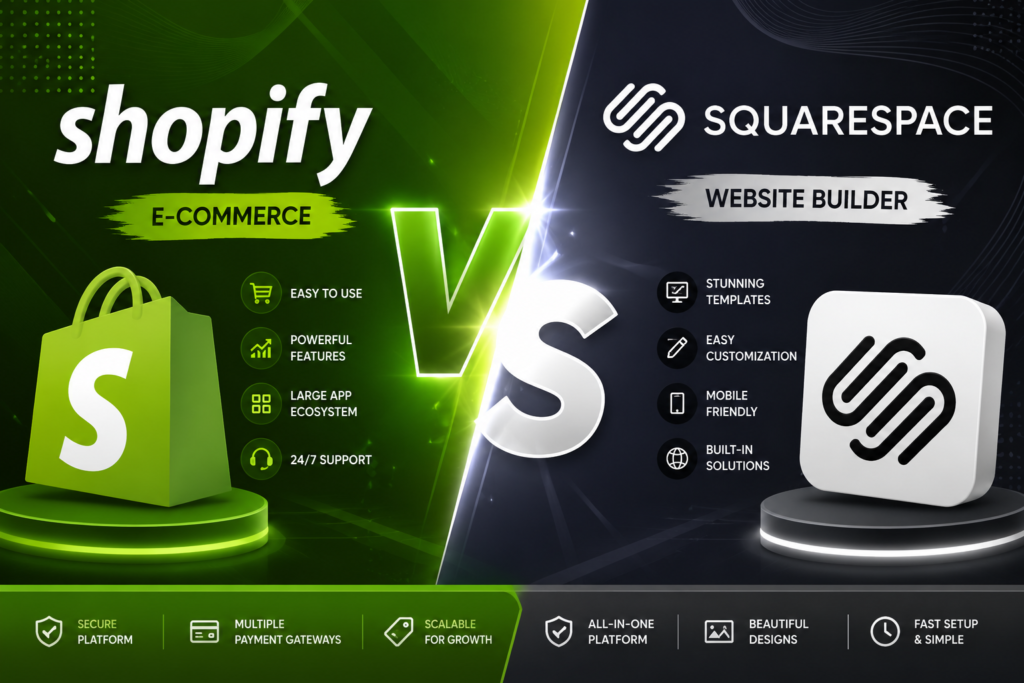
Once I started processing real test orders, the differences became obvious. Shopify’s checkout felt built by people who understood cart abandonment, upsells, and payment friction. Adding discount codes, shipping rules, and multiple payment options took minutes, not hours.
Squarespace handled the basics well product pages looked great, and checkout was smooth for simple purchases. But anything beyond “add to cart, pay, done” required more patience. Subscription products, complex variants, and multi-warehouse inventory all felt like Shopify’s home turf, not Squarespace’s.
One thing I genuinely didn’t expect: the app marketplace made a bigger difference than I gave it credit for going in. On Shopify, I installed a basic review app and a simple email pop-up within an afternoon, no developer needed. On Squarespace, similar functionality either wasn’t available or required workarounds with embedded code blocks, which felt risky for someone like me who isn’t a developer. It wasn’t a dealbreaker, but it did mean more late nights searching forums for solutions instead of just clicking “install.”
Customer Support Experience
I tested this on purpose by submitting a real question to both teams, not just browsing help docs. Reaching shopify support got me a response through live chat within a few minutes, and the rep clearly knew the platform inside out they walked me through a payment gateway issue without redirecting me to three different articles.
Squarespace’s support was friendlier in tone but slower in response time. Email support took close to a day, although their help center articles were genuinely well-written and solved most smaller issues on their own. If urgent troubleshooting matters to you especially during a live sales event that gap is worth knowing about in advance.
Who Should Choose What
If you’re a freelancer, photographer, or someone building a portfolio with the occasional product to sell, Squarespace genuinely makes sense it’s fast to set up and looks polished out of the box. If you’re running a growing store with real inventory, multiple products, and plans to scale, Shopify’s infrastructure pays off the moment things get serious. And if budget is your biggest constraint right now, Squarespace’s all-in-one pricing model keeps things simpler to predict month to month.
I’d also add this from personal experience: think about where you want to be in a year, not just where you are today. I underestimated how quickly my “small side store” would grow, and migrating product data and customer information later turned out to be far more tedious than just picking the right platform from the start. If there’s even a reasonable chance you’ll scale into a full-time store, it’s worth leaning toward the platform built for that growth rather than the one that’s easiest right now.
Final Verdict My Personal Pick
After running both side by side, I ended up keeping my product-based store on Shopify and moving my portfolio site to Squarespace not because one platform “lost,” but because they’re built for different jobs. If I had to pick just one for shopify vs squarespace as a pure ecommerce decision, I’d lean Shopify. But if design and storytelling matter more than transaction volume, Squarespace earns its reputation honestly.
FAQs
In my experience, yes Shopify’s tools are built specifically around selling, while Squarespace treats ecommerce as an add-on to a design-first platform.
You can reset it directly from the login page using the “Forgot Password” link tied to your account email.
No logging in takes you straight into the same admin dashboard where you manage products, orders, and settings.
Most plans bundle hosting, templates, and basic ecommerce tools together, unlike Shopify’s more modular, app-based pricing.
In my testing, live chat support responded within a few minutes, which was faster than Squarespace’s email-based support.
Also Read About :- Amazon FBA vs Dropshipping